Management
Inventory
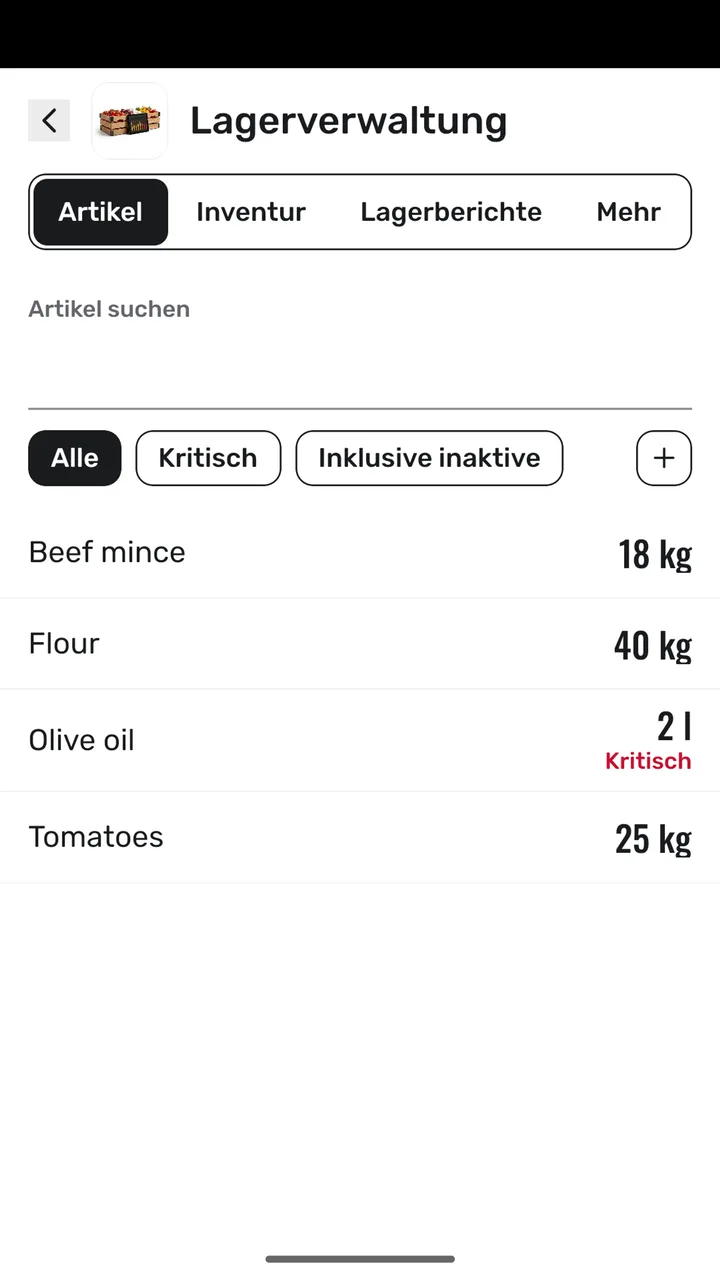
Stock levels, counts, waste and reports.
- Stock levels
- Stock alerts
- Stock movements
- Inventory count
- Stock reports
How it works
- 1
You set up your items and current stock.
- 2
You record stock movements; the panel warns you when stock runs low.
- 3
Counts and waste show up in the reports.